n8n, Claude Desktop or a custom AI agent: choosing for the task
 Radovan Ďurčenka·· 2 min read
Choose automation by its task, verification needs and operating responsibilities. Workflows, assistants and custom agents can work together.
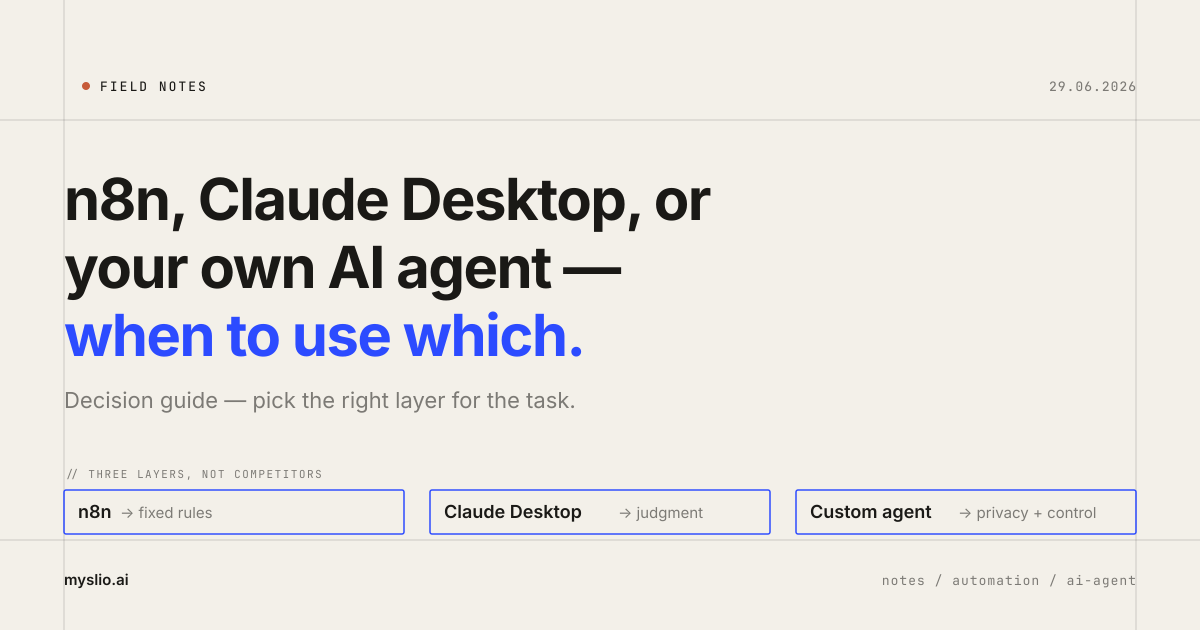
Define the task before choosing the tool
Transferring an order to accounting differs from drafting a customer reply. The first needs a reliable handoff; the second also involves interpreting language and checking the proposed response.
I start by defining inputs, expected outcomes and verification. The examples below are illustrative, not a list of completed Myslio integrations.
n8n for repeatable workflows
A workflow can receive an order, validate required fields, pass data to another application and record the outcome. Its design should cover failures and repeated delivery of the same event, so a retry does not create a second document.
n8n also supports AI capabilities and agents. It is inaccurate to describe it as exclusively a fixed-rule tool. Workflows and agents are approaches to coordinating work that can coexist in one product. Both appear in the n8n documentation.
Claude Desktop for work guided by a person
For document analysis, drafting or a one-off investigation, an assistant may be a useful starting point. A person supplies the material and reviews the result before you invest in an integration.
Check current features and access requirements in the Claude Desktop documentation. The application name alone does not establish whether it suits an unattended business process.
A custom agent brings operating responsibilities
A custom solution can be justified by specific tools, permissions, execution records or deployment requirements. Maintenance, incident handling and quality evaluation are part of its cost.
Running an agent on your server does not guarantee that data stays there. Calls to external models and services can transfer information outside your infrastructure. Map the full path, including logs and connected tools.
The approaches can work together
In a model support process, a workflow receives a request, AI proposes a response, a person approves it and the workflow records completion. Define who may read, who may modify and how duplicate execution is prevented.
For financial operations, distinguish established rules from model judgment. Routine invoicing under verified rules can be automated; an ambiguous refund request needs appropriate verification and approval.
Start with one task
Describe its inputs, rules, exceptions and expected outcome. Measure corrections and human time, including output review. Use those results to choose a workflow, an assistant or a custom system.
More notes from practice
When you outgrow Shoptet — and when to keep it
We operate stores on Shoptet and our own commerce stack. As a business grows, the bottleneck often appears after checkout, between inventory, accounting, payments, shipping and people.
Vector or relational database: start with the query
Exact records, full-text matches and semantic similarity serve different needs. Evaluate the right approach using your own queries and data.